Upgrade to AnduinOS 2.0
Follow this guide to upgrade from AnduinOS 1.3.x or 1.4.x to 2.0.2 Resolute Raccoon.
$ do_anduinos_upgrade
Before You Begin
A few things to check before starting the upgrade.
Backup your data
Although the upgrade is safe, always back up important files before major system changes.
Use tmux or screen
The desktop will restart during upgrade. Run inside tmux so the terminal survives GUI restarts.
Connect to power
The upgrade may take 30-60 minutes. Plug in to avoid interruptions.
Stable internet connection
Packages will be downloaded during upgrade. A stable connection is required.
On AnduinOS 1.3.9 or 1.4.2
Make sure you are on the latest 1.3.x or 1.4.x version. Run the upgrade tool to update first if needed.
At least 3 GB free space
The upgrade needs space for package downloads and backups. Ensure you have enough free space in /.
One Command to Upgrade
Run this single command in your terminal. The upgrade is fully automated — no manual intervention needed.
$ do_anduinos_upgrade
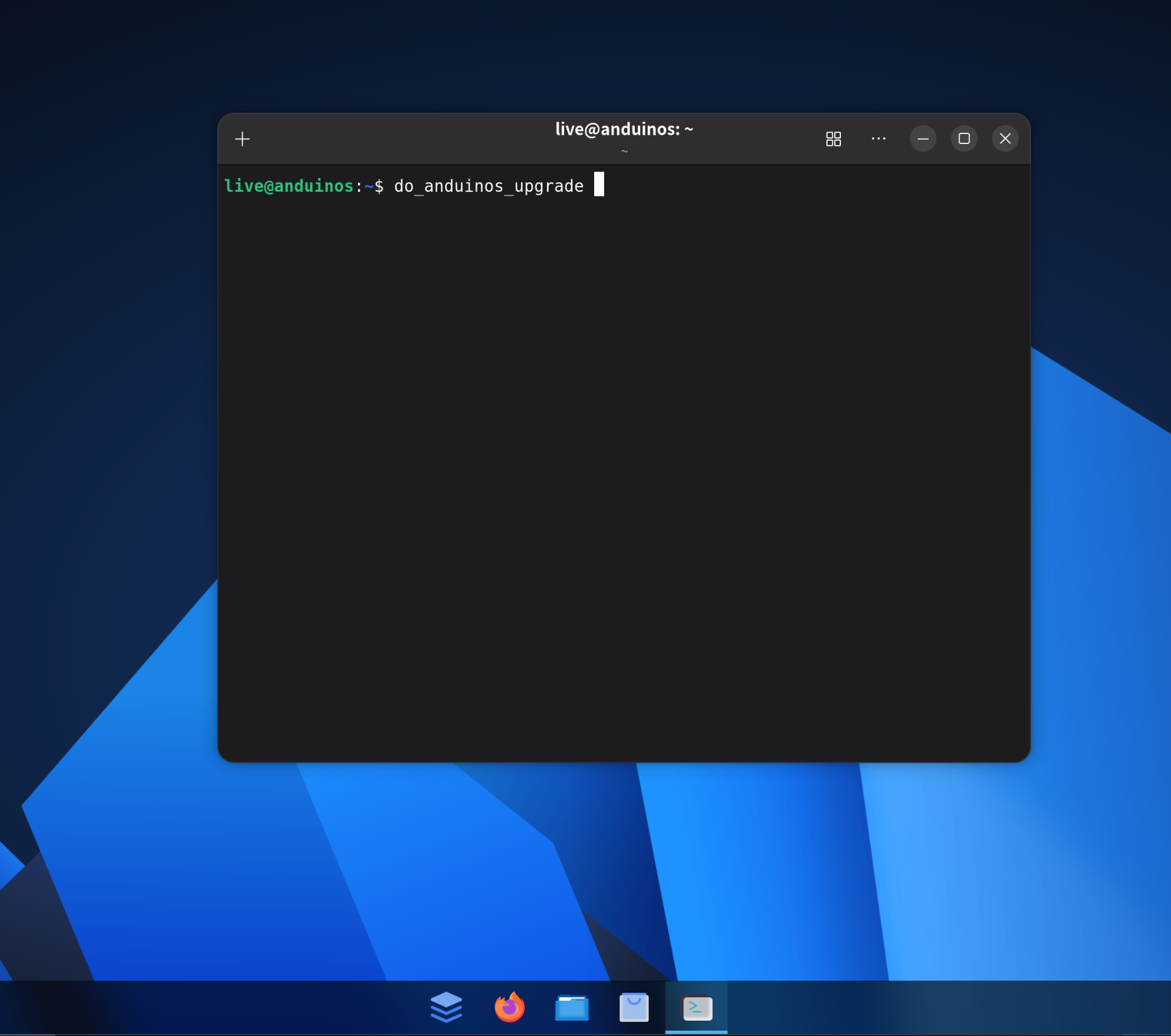
If the command is not found, run the system upgrade tool first to update to 1.3.9 or 1.4.2.
What Happens During Upgrade
The upgrade script handles everything automatically. Here is what it does.
-
System check & preparation
Verifies disk space, configures unattended mode, and ensures the system is fully updated.
-
Backup APT sources
Safely backs up your current APT sources and temporarily removes PPAs to ensure a clean upgrade.
-
Switch Ubuntu base
Moves from Ubuntu 25.10 (plucky) to Ubuntu 26.04 (resolute) with optimized mirror selection.
-
System dist-upgrade
Performs a full distribution upgrade with retry logic, DKMS cleanup, and safe fallback handling.
-
Install AnduinOS 2.0 packages
Installs the GNOME 50 desktop, Apkg package manager, AnduinOS themes, fonts, wallpapers, and core applications.
-
Restore PPAs & cleanup
Restores your PPAs (upgrading those compatible with resolute), removes orphans, and cleans the package cache.
After the Upgrade
A few things to do once the upgrade completes.
Reboot your system
A reboot is required to load the new kernel and complete the upgrade.
$ sudo reboot
Update your packages
Run a full upgrade to ensure all packages are at the latest resolute versions.
$ sudo apt upgrade
Verify your version
Check that your system now reports AnduinOS 2.0.2.
$ cat /etc/os-release
What's New in AnduinOS 2.0
Resolute Raccoon brings major improvements across the entire system.
Apkg Package Manager
Fully compatible with apt — Apkg acts as a transparent apt server, seamlessly integrating with existing apt workflows and updates.
GNOME 50 Desktop
The latest GNOME desktop with improved performance, smoother animations, and new features.
Linux Kernel 7.0
Latest hardware support with improved scheduler, better power efficiency, and filesystem performance.
Fresh Look & Performance
New wallpapers, refined themes, optimized performance tuning, and up-to-date software packages across the board.
LTS Support until 2031
Five years of security updates and package maintenance — supported until April 2031.
Appearance & Firewall Apps
Brand-new AnduinOS Appearance app for theming and AnduinOS Firewall app for easy network security management.
Need help?
If you encounter any issues during the upgrade, we're here to help.